

Fluent Forms

Fluent Forms
Plugin Overview
What is Fluent Forms?
Fluent Forms is a powerful and extensible plugin for WordPress that allows you to easily create beautiful forms with the ability to add custom fields & logic on top of pre-built field types, all without writing any code.
It can be used to create
- Newsletter Forms
- Payment Forms
- Survey Forms
- Post Creation Forms
- Registration Forms
- Multi-step Forms
or just about any kind of form you can think of.
Fluent Forms has 100K+ active installations and It is developed by WPManageNinja LLC.
Features & Functionality
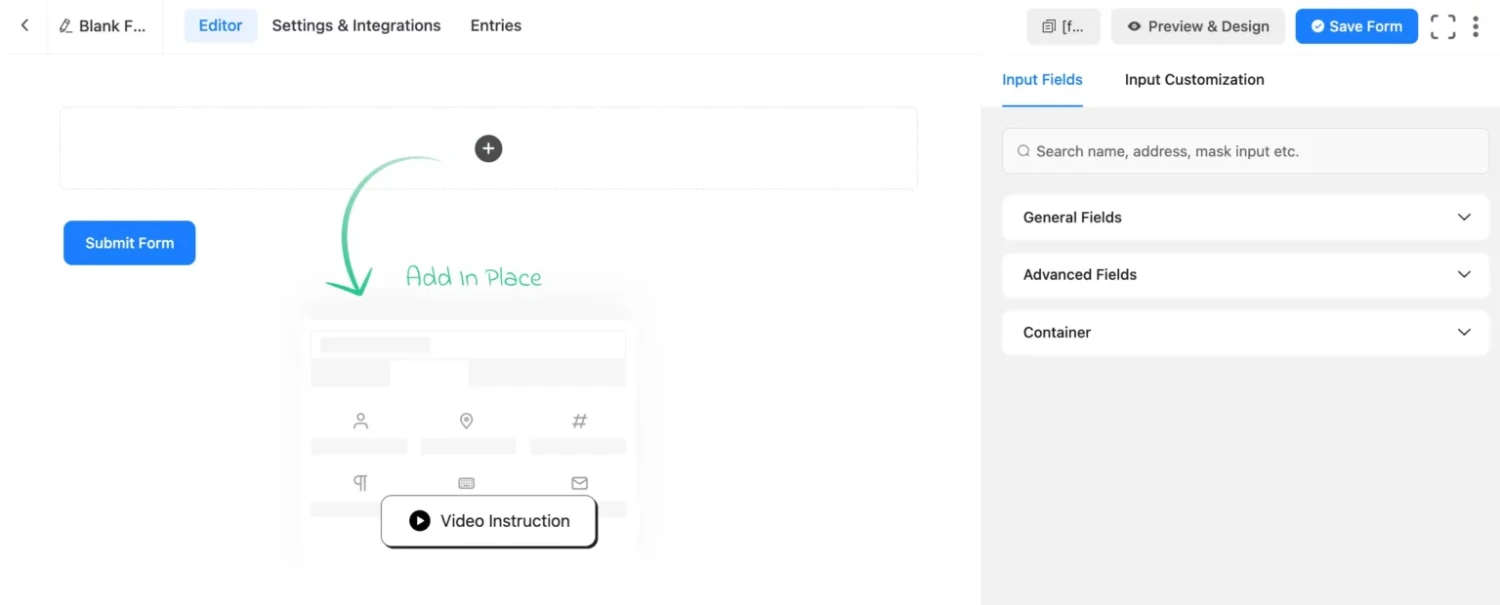
- Drag & Drop Form Builder: Fluent Form Builder is based on a visual drag and drop page builder which helps you to create forms in minutes.
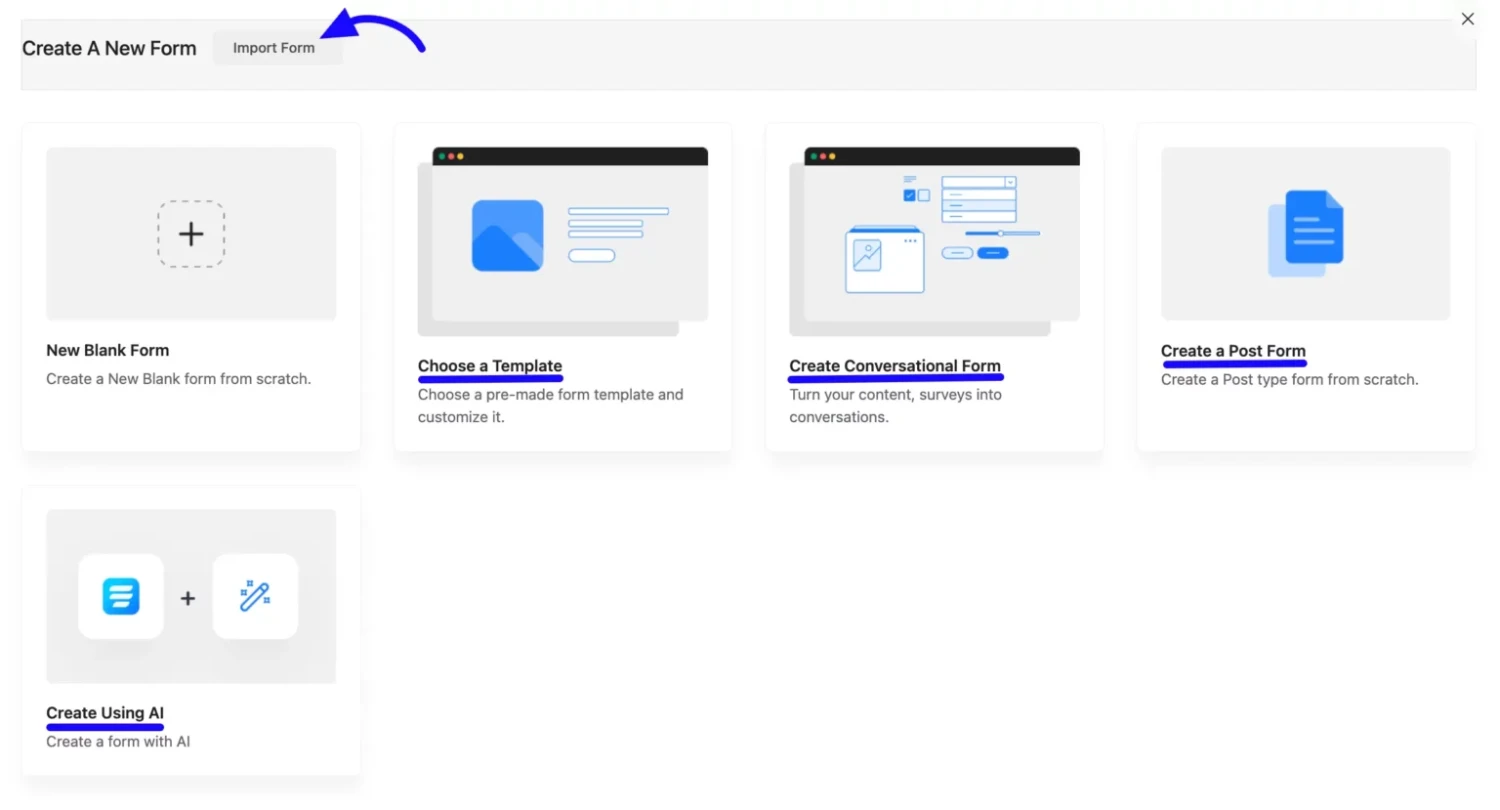
- Pre-built Form Templates: It comes with a variety of pre-built form templates. You can use it as they are or you can feel free to edit them however you like. Each form template has its own settings and customizations so that you have full control over the form design, layout, fields order, etc.
- Conversational Forms: It allows you to create forms that guide the user through a series of questions in which every answer affects what options appear on the next step. It is great for creating surveys, questionnaires, and any kind of application form.
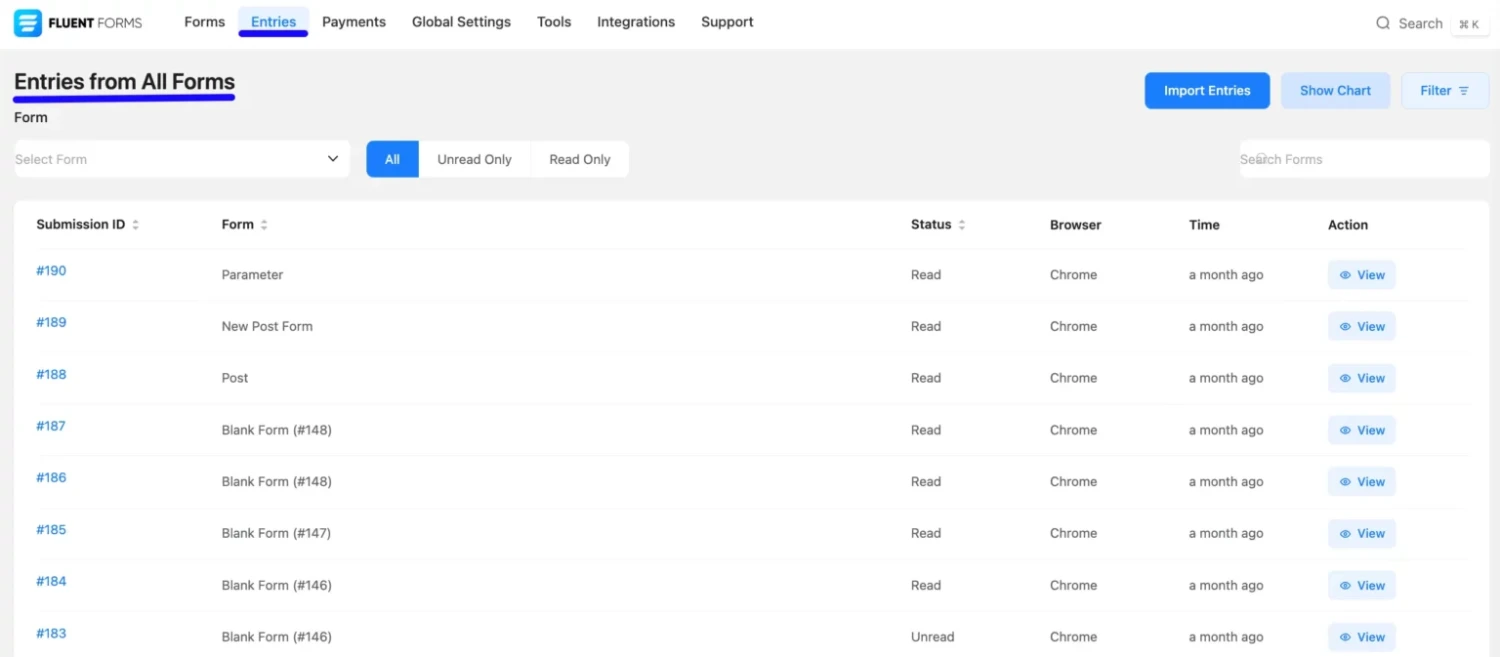
- Visual Data Reporting: It comes with a built-in tool that allows you to view all the responses, submissions, and data captured by the form. It also provides you with aggregate stats so that you can track your form’s performance over time.
- Multi-step Forms: Fluent Forms allows you to create multi-step forms by letting users submit the form in a series of steps. This is very useful if you need your users to go through a process until they are ready to submit their data, like registration and checkout processes.
- Payment Forms: It has an extendable payment form integration with popular gateways including Stripe, PayPal.
- Conditional Logic: Conditional logic allows you to customize the form fields based on the user’s answers. You can display/hide fields, depending on the value of a particular field.
- File & Image Upload: It allows you to upload files as well as images. It is also very useful if you want your users to attach files or images related to the question they are answering.
- Block Spams: It comes with reCAPTCHA integration which helps to prevent spam submissions.
- Form Scheduling: It allows you to schedule your forms to go live at a certain date and time.
- Email and SMS Notification: It allows you to send email and SMS notifications once users submit the form.
- Conditional Email: It allows you to schedule and send emails only when certain conditions are met.
- Integrations: It has an extensive list of third-party integrations such as Active Campaign, MailChimp, HubSpot, ConvertKit, GetResponse, Constant Contact, Slack, Zapier, etc
- Action Hooks for Developers: It provides flexible action hooks for developers to extend its functionality.
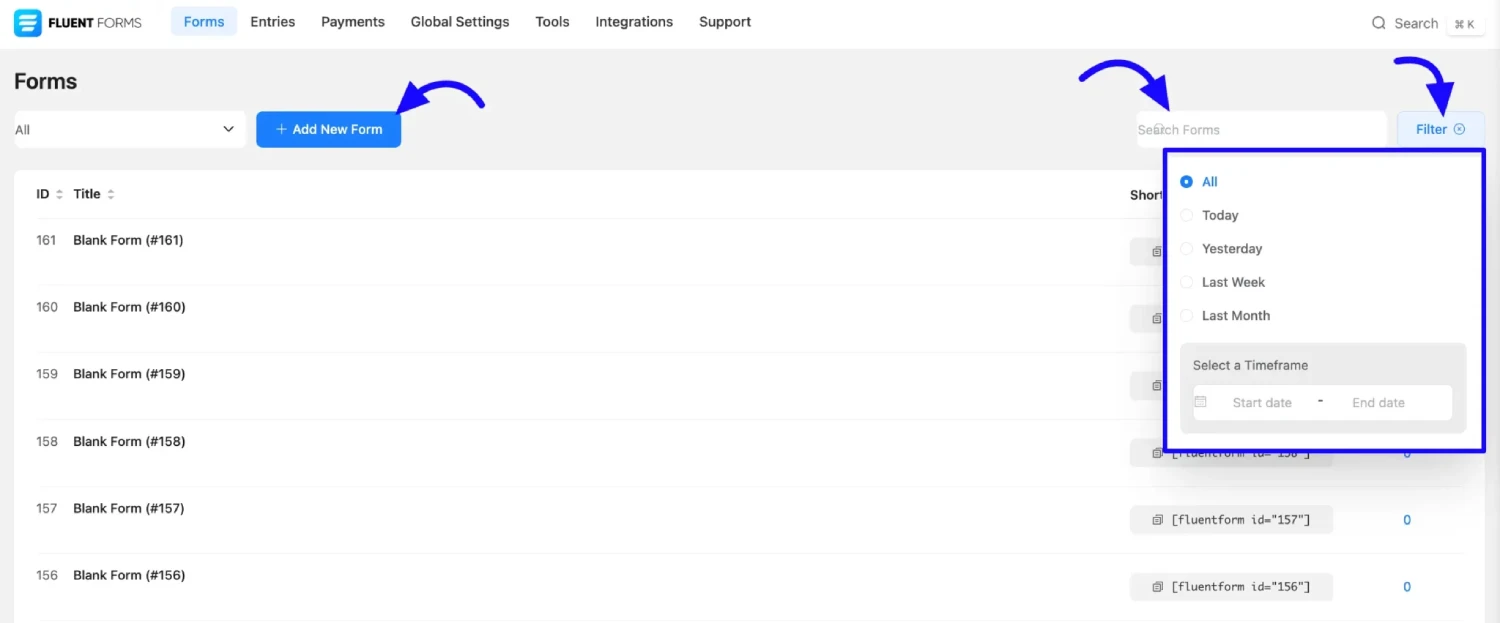
Screenshots
Frequently Asked Questions
Is Fluent Forms free?
Yes. Fluent Forms has a free WordPress.org version, while Fluent Forms Pro adds advanced functionality and integrations.
Does Fluent Forms have a drag-and-drop builder?
Yes. It includes a visual drag-and-drop form builder with numerous field types.
Can Fluent Forms handle conditional logic?
Yes. Conditional logic can be used to show, hide, or modify form fields based on user selections.
Does Fluent Forms integrate with CRMs?
Yes. It integrates with services including FluentCRM, HubSpot, Salesforce, Zoho CRM, Pipedrive and others.
Can I export Fluent Forms submissions?
Yes. Entries can be exported in formats including CSV, Excel and JSON.
What makes Fluent Forms different from basic contact-form plugins?
Fluent Forms combines standard contact forms with conditional logic, calculations, payments, CRM integrations, automation, reports, entry management, file uploads and advanced integrations, making it suitable for more complex form workflows.